
TekesDXF
Drawing work.With AI alongside.
A drawing workspace built for Mac.
View DXF. Let AI help convert, inspect and edit.
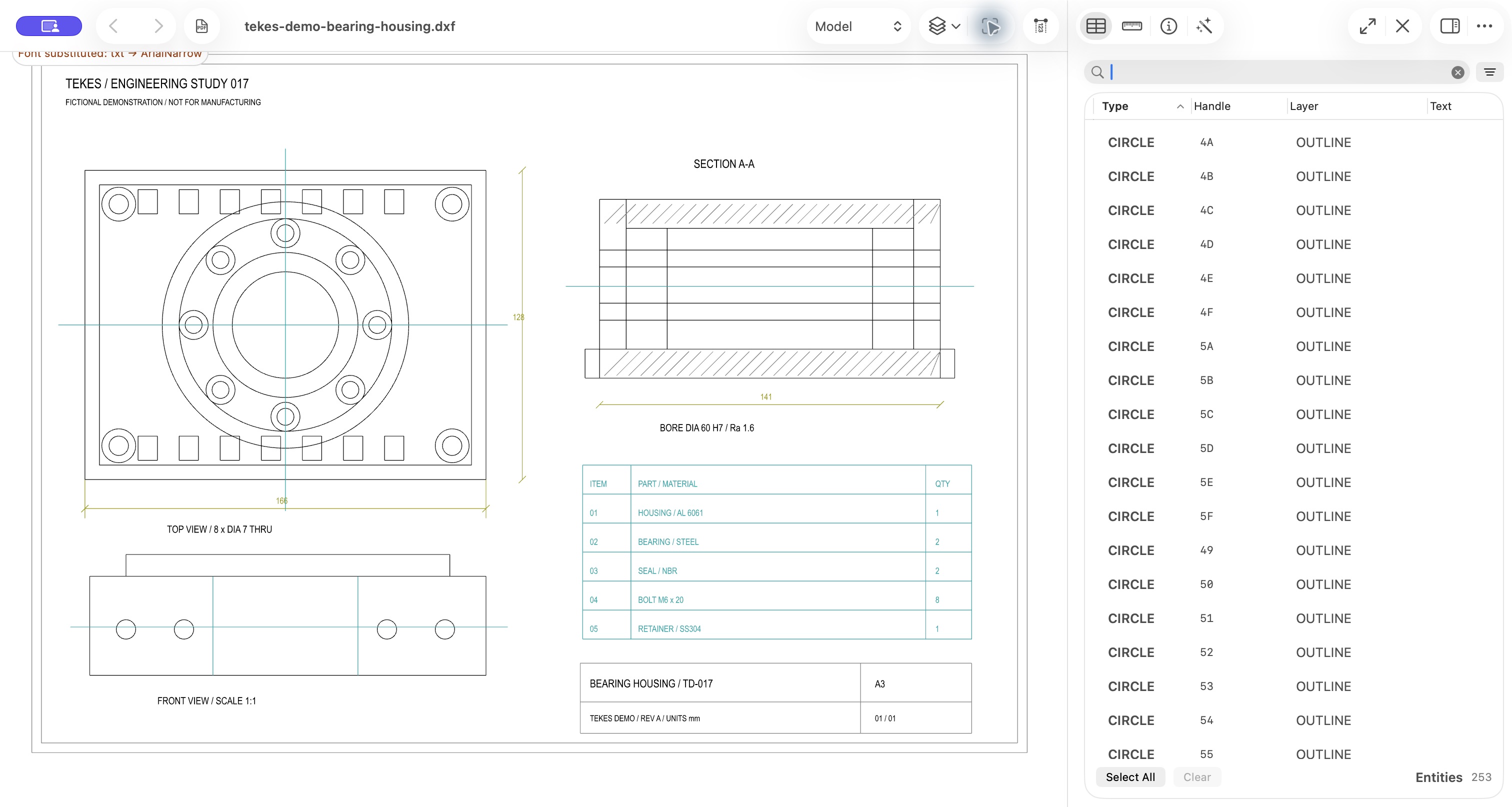
AI drawing assistant
Say what you need.Keep moving.
From finding entities to checking text, from importing PDF to editing DXF.
Ask in natural language. Follow the actions and results.
Autoplay demo
Choose a task. Follow the actions.
Explore queries using the original demo drawing.
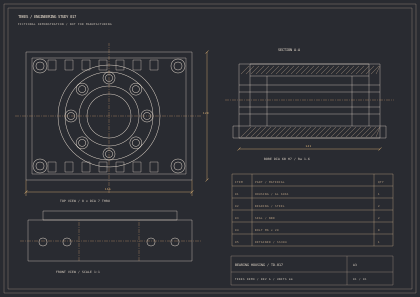
Local interactive demo: queries original drawing data through a preset flow. No online AI call.
PDF to CAD
Bring drawings backto an editable world.
Rebuild geometry, recover identifiable text and preserve table structure.
Inspect and review conversion results in one workspace.
Explore conversion capabilities +
Geometry. Reconstruct lines, polylines and applicable circles, arcs and curves using source evidence.
Text. Prioritize native PDF text. Outlined text or text with insufficient evidence may remain geometry.
Tables. Preserve grids and cell text in CAD. Supported harness tables can also be extracted to Excel via the toolchain. Native ACAD_TABLE and one-click Excel export in the app are not promised.
Delivery. Compare with the source PDF. Review scale, dimensions, text and layouts before engineering use.
All drawings are original fictional examples. PDF and DXF are generated from the same design, not proof of automatic conversion acceptance.
Your next drawing.A new way to work.
TekesDXF. Coming to the Mac App Store.
Coming to the App StoreRequires macOS 15 or later. Official downloads open after release.